Top 3 essential pages that might be missing on your DIY website + some inspiration on how to fix them
With so many website builders in the market, DIY websites are quite the norm. But while some DIY websites may look pretty and have all the basic components, I’ve noticed some very important pages are almost always overlooked. These are:
1. FAQs pages
2. Custom 404 Page
3. Custom thank you page
Let’s talk about what these pages are and why they are needed on your website.
FAQs Page
I’ve seen the FAQs page missing, in a lot of DIY website. You might be thinking “I’m always available on DMs, or we have a very simple contact page for customers to send a message”, But let me tell you this, there are several reasons why a customer might not want to fill out your contact form, or send you a DM (they might just be shy). A well-designed FAQs page can then act like a direct line to answers without the hassle of filling a form or sending a DM. Investing time and effort in creating a well laid out FAQs page also shows the customer you care about their time. It's like telling them, “hey we know you have questions and we've already taken the time to answer them; we're here for you if you need anything”. Imagine how special that feels!
Bonus tip, Google gives more credibility to your site if you have a FAQs page.
The Accordion Block in Squarespace is an easy way to add a custom FAQs page
2. Custom Error Page/404 Not Found Page
Check your website right now and tell me if it looks like this?
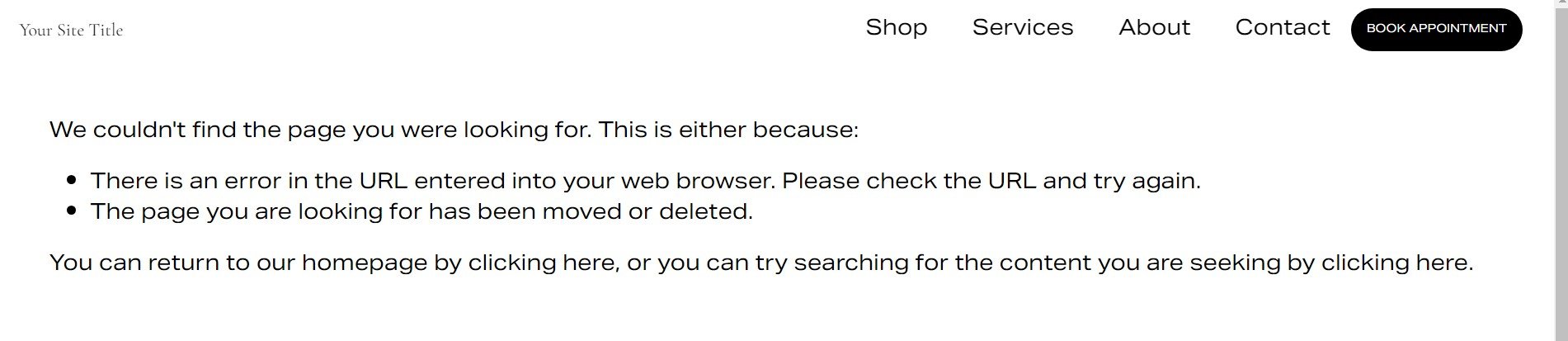
Boring isn’t it. But for most DIY websites the 404 Not found page looks exactly like this.
Stumbling onto a 404 page can be a frustrating experience, but it doesn’t have to be; it can be an opportunity to showcase your awesome branding and your attention to detail. You can personalize your 404 page to say, "Whoops! Looks like you took a wrong turn, but don't worry, I've got you." Add a little humor to the mix and it’ll keep the user engaged instead of them leaving the site in frustration.
Here are some fun 404 pages to get you inspired!
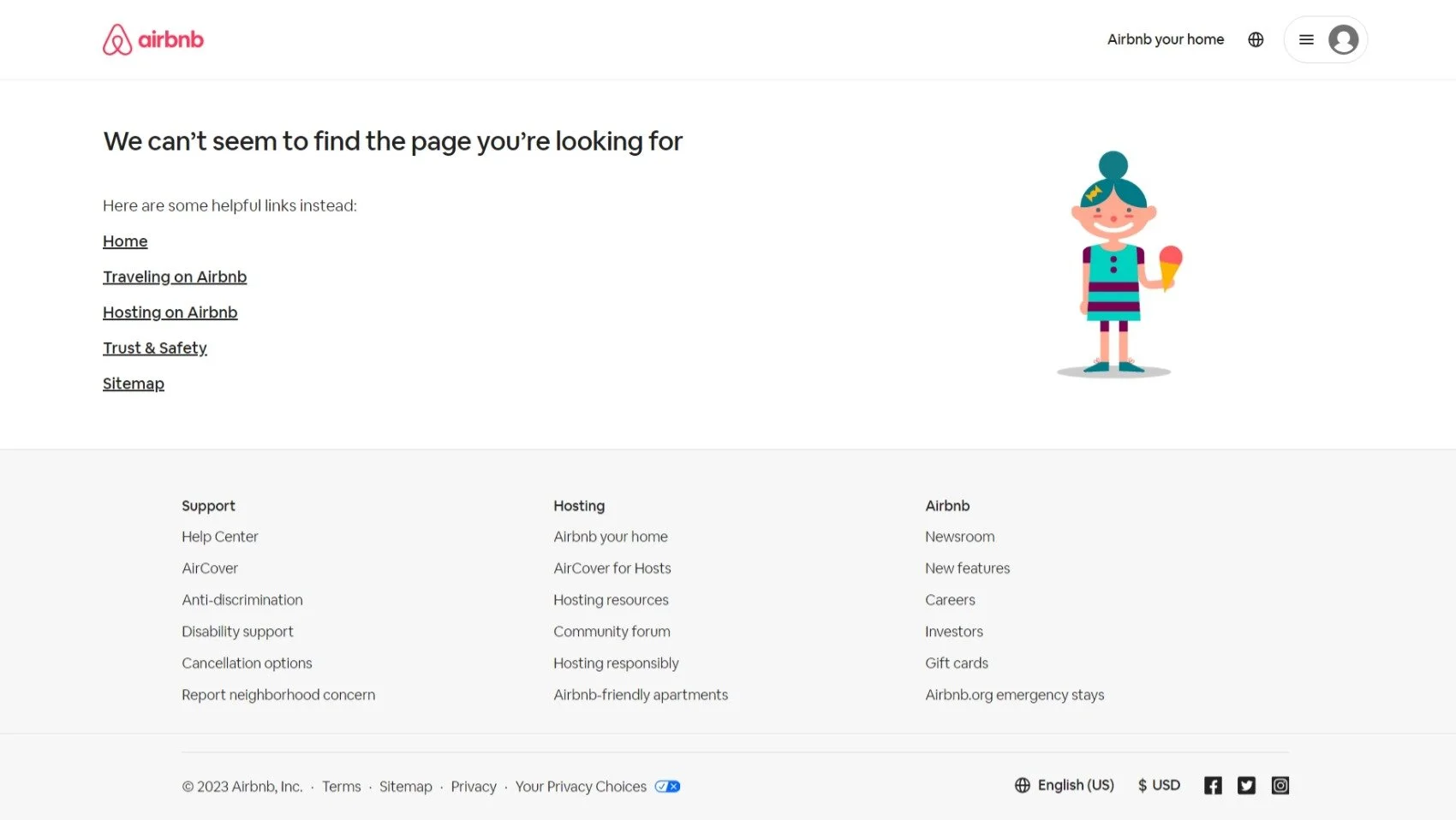
A clean page, with links on what to do next. Source: Airbnb
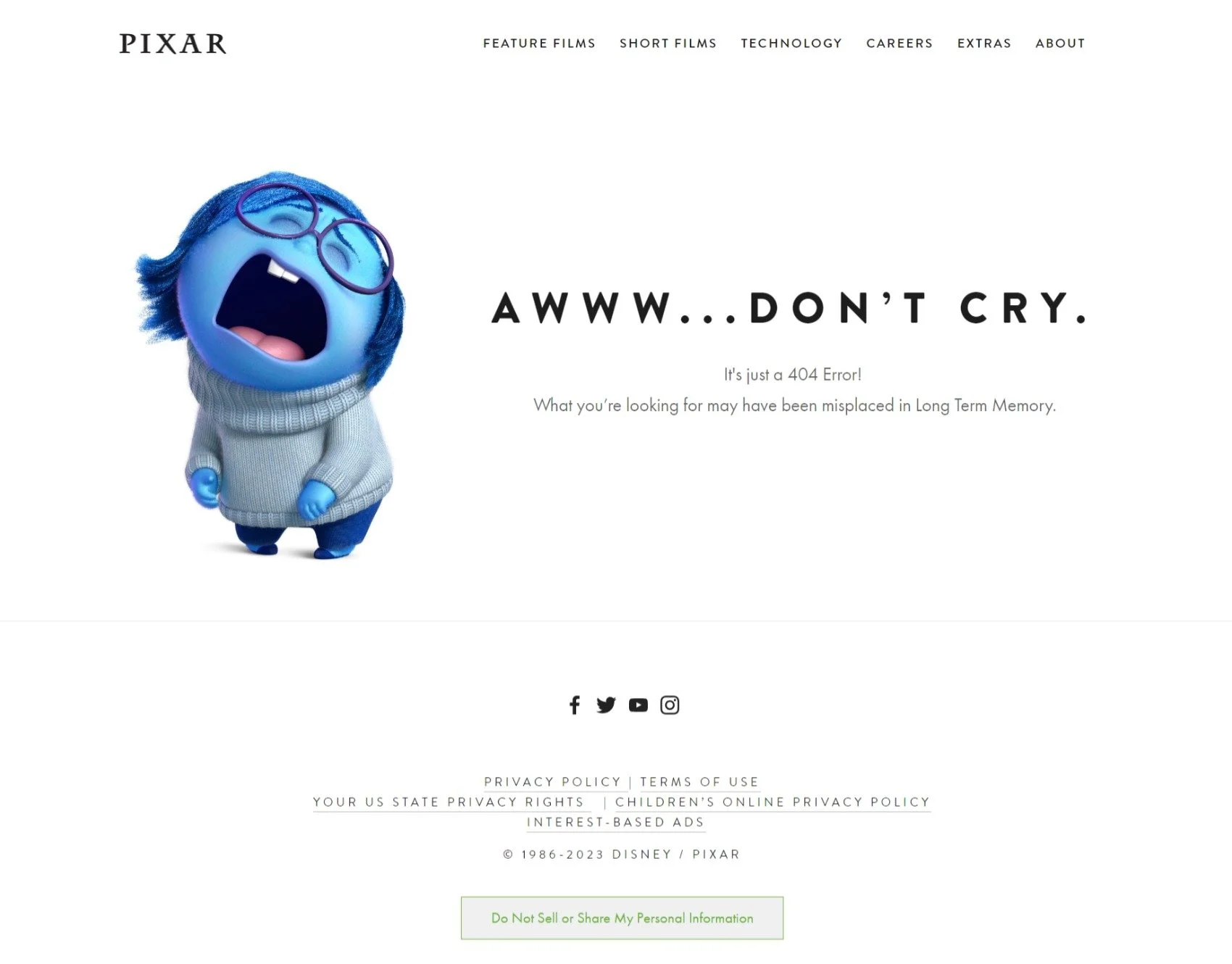
Funny and Cute, errors don’t have to be boring Source: Pixar
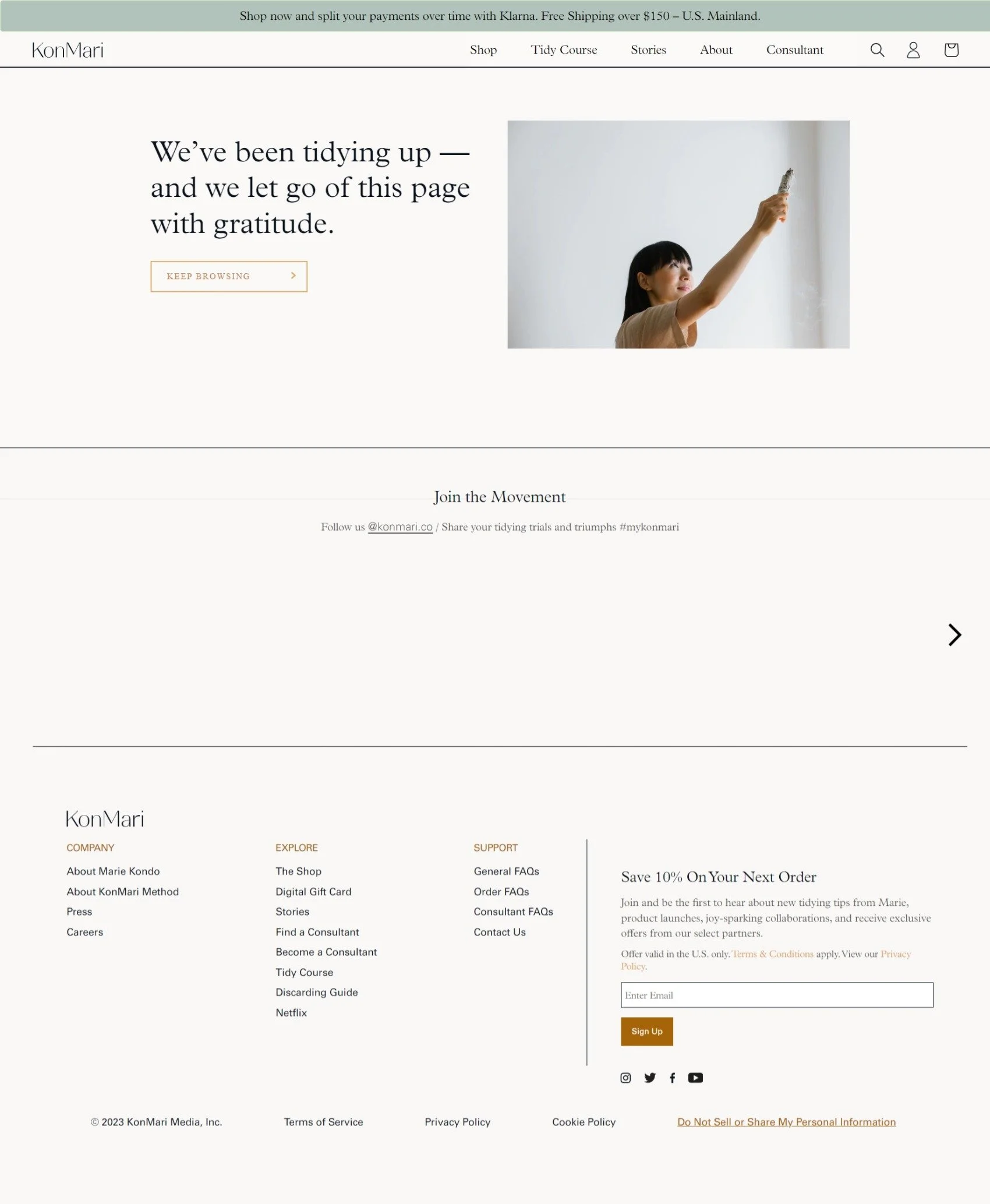
Clean, Minimalist, and completely on Brand. I love the design of this page! Source: Kon Mari
3. Custom Thank You Page
This one is the least well-known. I don’t think a lot of DIY web builders give you a direct option to create a Thank You page, let alone customize it. The Thank You page is the digital equivalent of a friendly pat on the back after you've done something awesome on a website. It's where the website says, "Thanks for being awesome!" in a virtual high-five. This page confirms that you did what you came to do, whether it's making a purchase or signing up for something cool. But instead of just showing a boring message like “Thank You for signing up” you could use this page to keep the customer engaged, by suggesting the user what they can explore next, or by just adding a bit of personality so to reassure the user that there is a human reading their message and not a bot!
Here’s our custom thank you page for inspiration!! :)
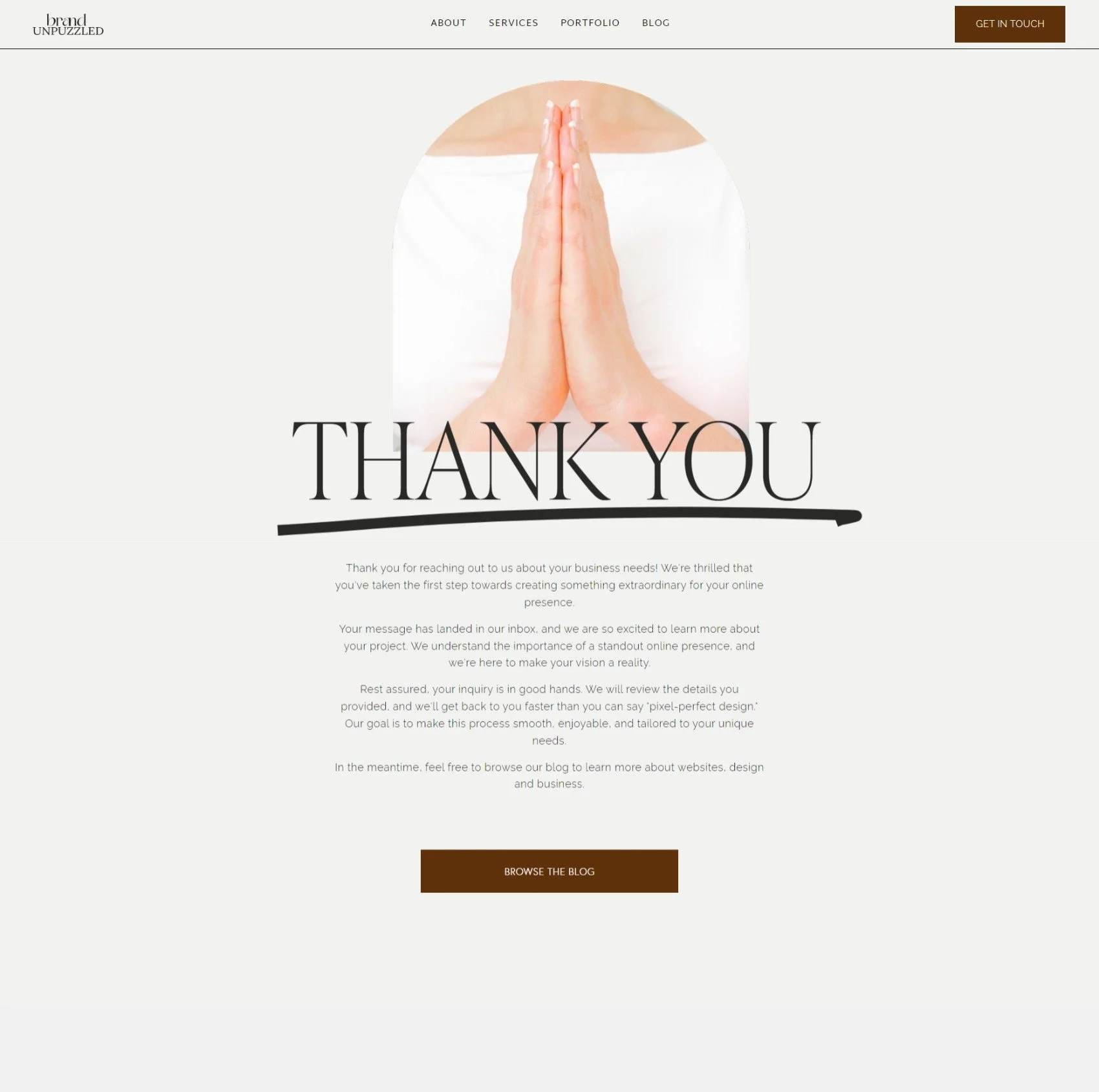
Custom Thank You page, Source: Brand Unpuzzled LLC
Are there any pages your website is missing? Go check it! You might be losing out on opportunities to make your customers feel special!